
Create your account and connect WhatsApp
In 5 minutes you create your account, link your WhatsApp number and you’re ready to send your first campaign. No credit card is needed to get started.
1. Create your account
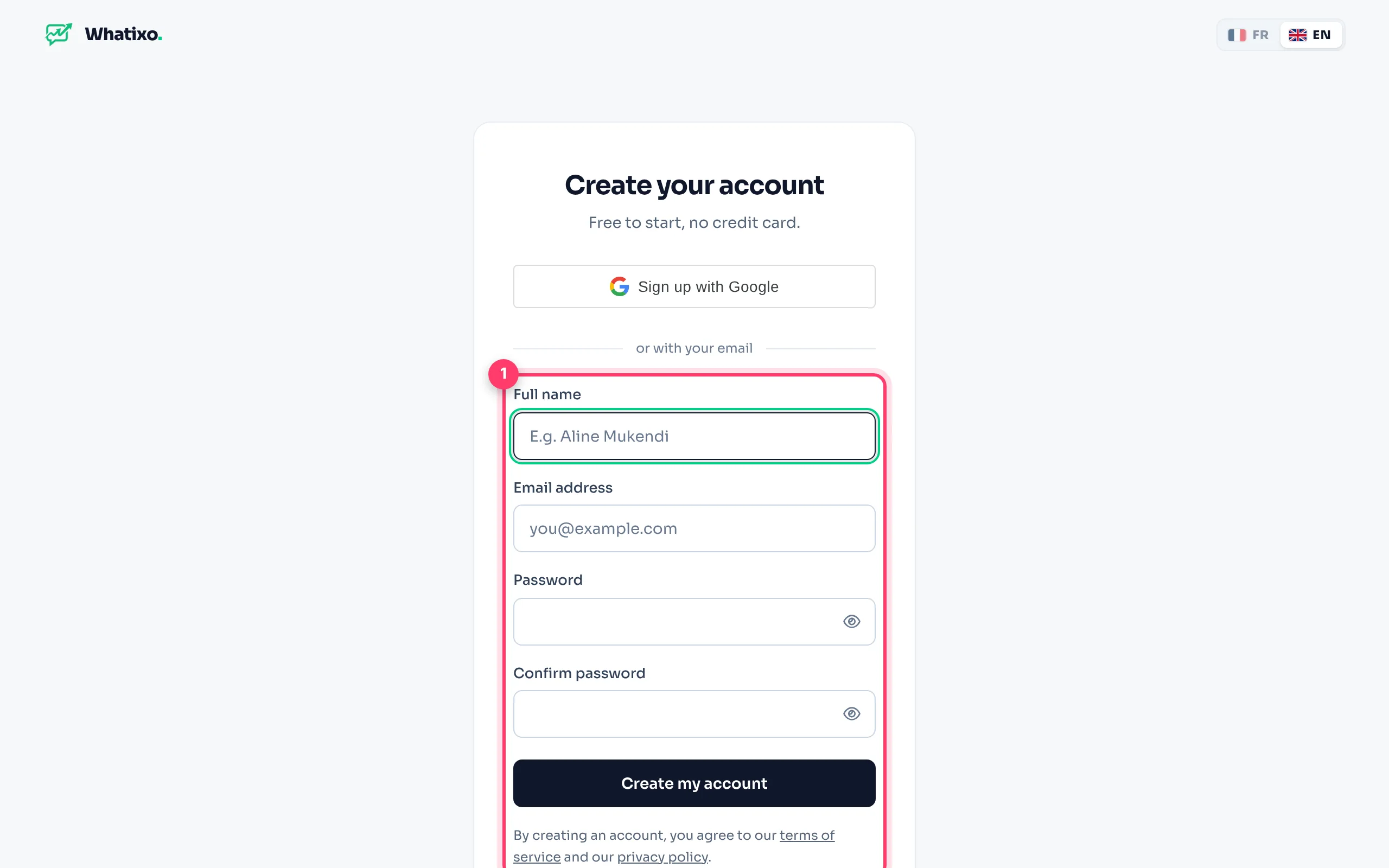
Open the sign-up page
Go to app.whatixo.com/register. Sign up with Google in one click, or with your name, email and a password.
Confirm your address
If a code is requested, it arrives by email within seconds (check your spam folder). This code also protects your account when you sign in from a new device.
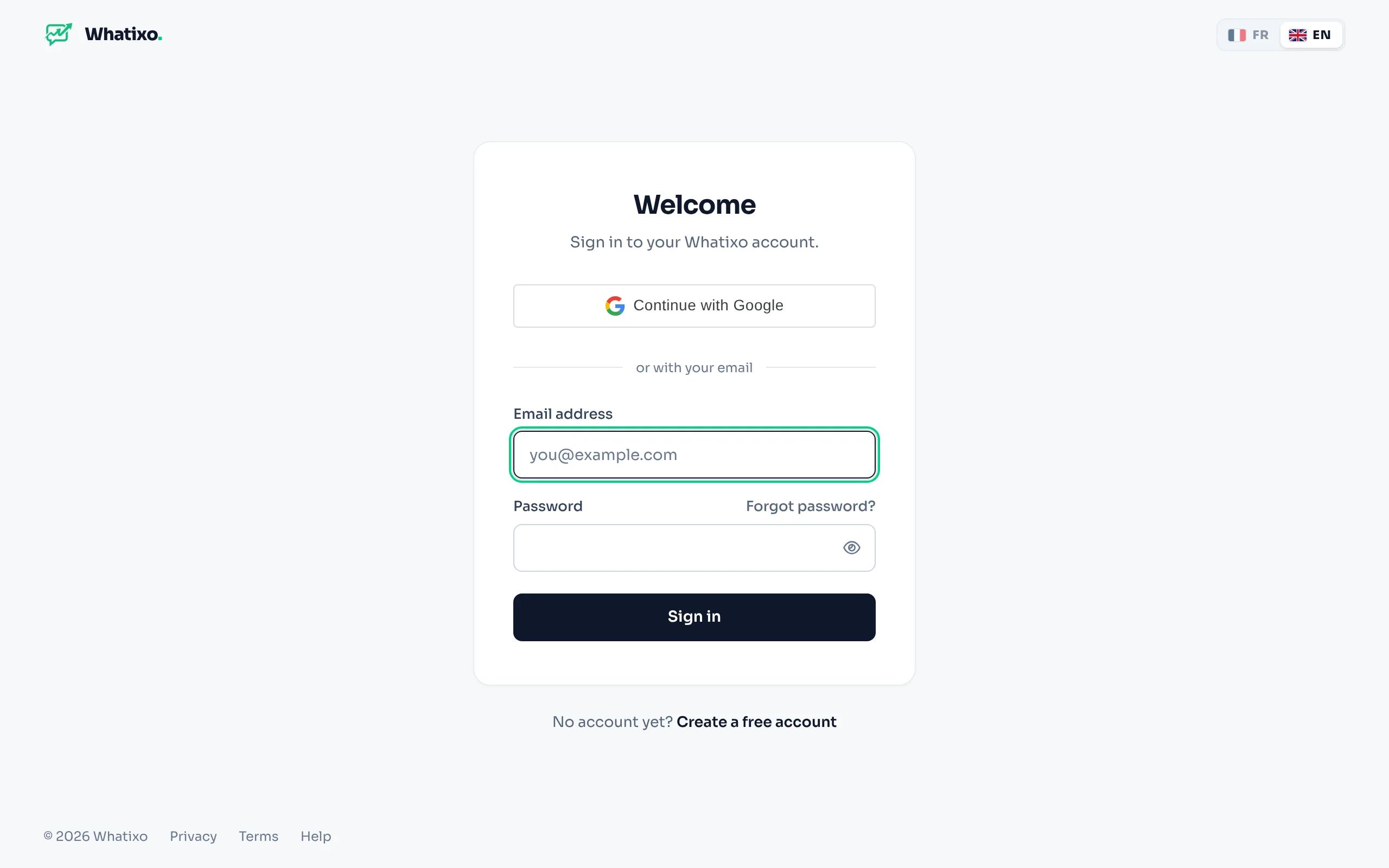
Already have an account? Sign in at app.whatixo.com/login. Forgot your password? Click Forgot password? and a reset link is sent to you.
2. Connect your WhatsApp number
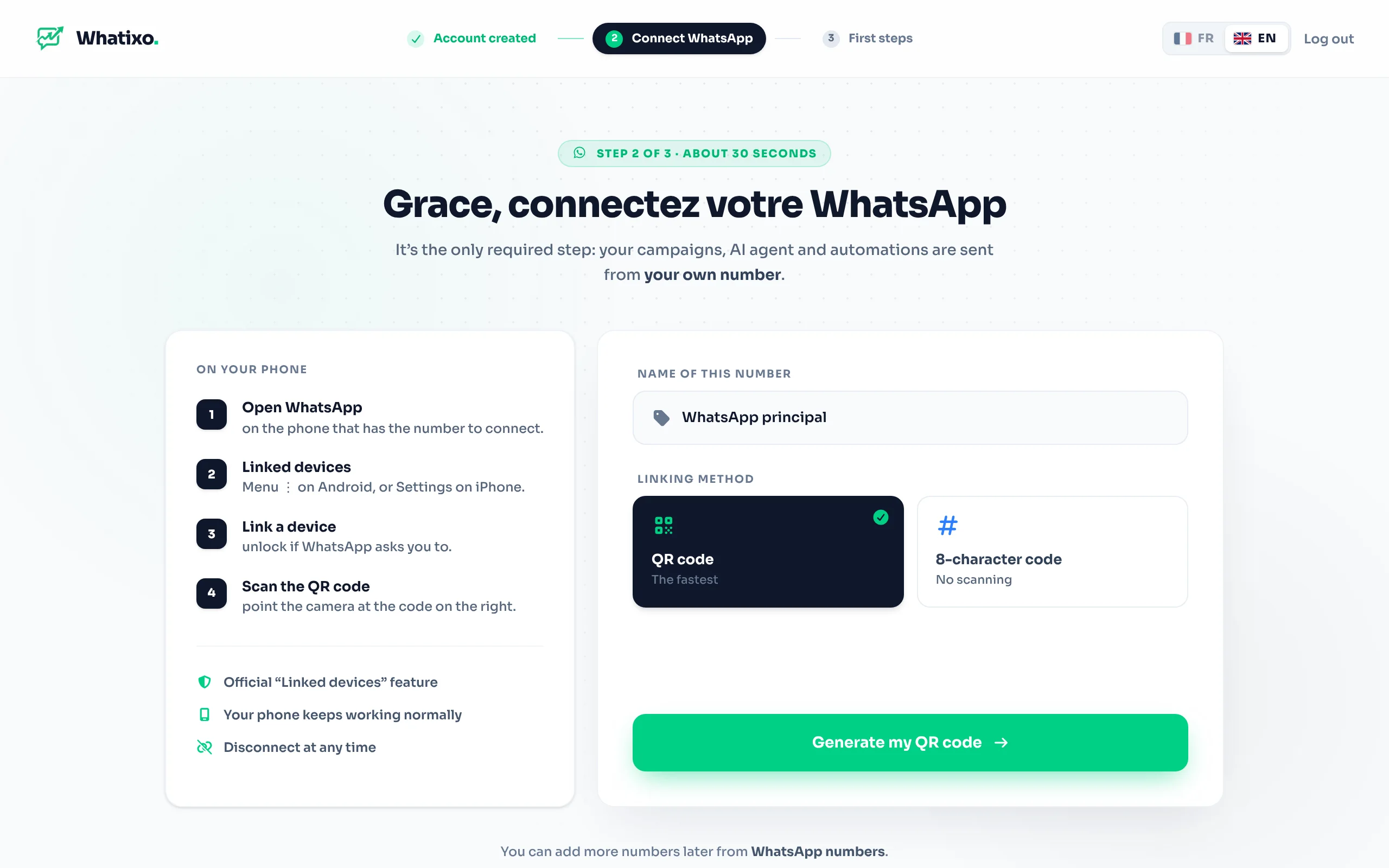
On your first sign-in, Whatixo guides you through linking your number. It works like WhatsApp Web: your phone authorizes Whatixo to send and receive messages for you.
Generate the QR code
Click Generate my QR code. The code appears after a few seconds.
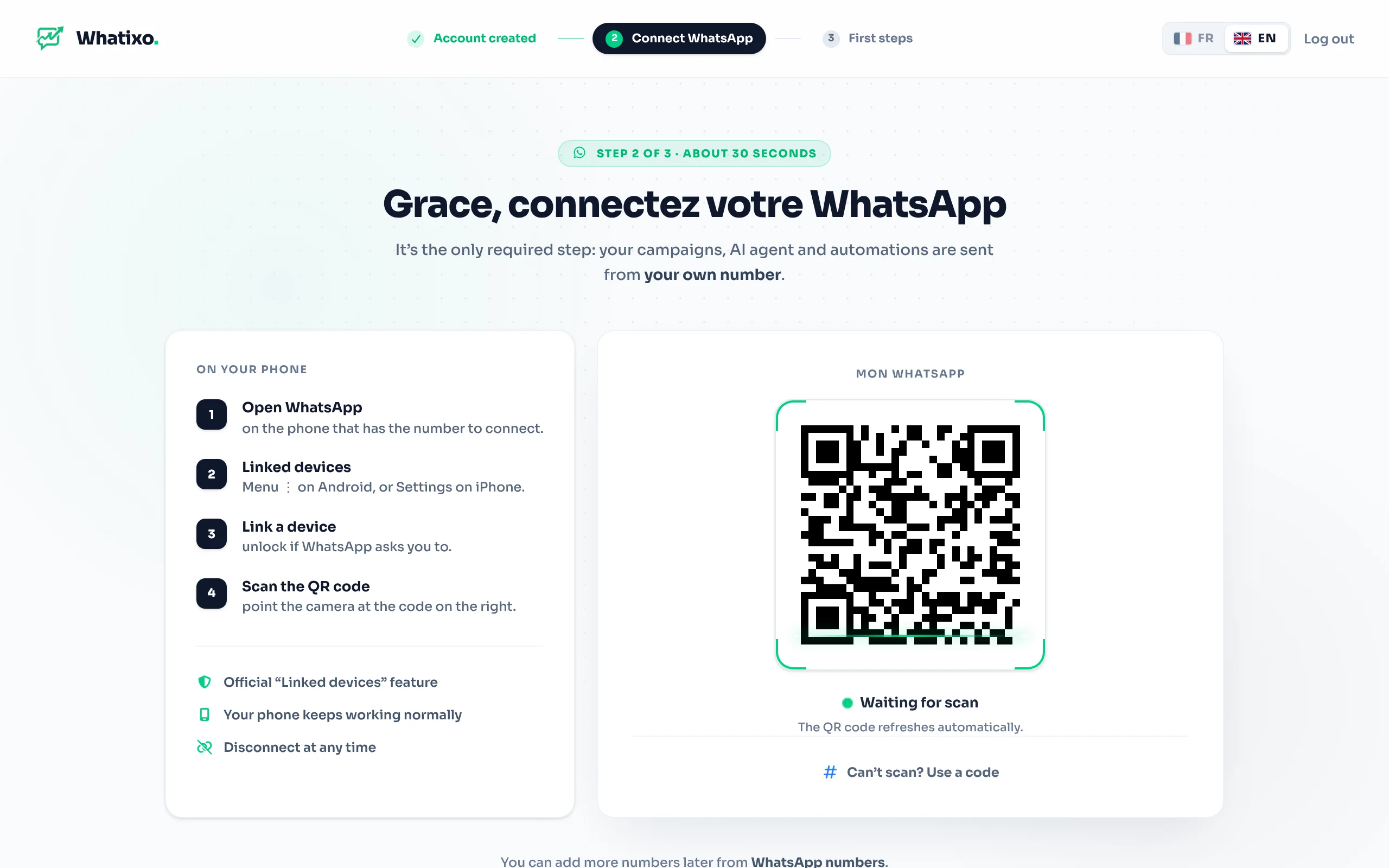
Scan it with your phone
On your phone, open WhatsApp → Settings (or the ⋮ menu) → Linked devices → Link a device, then point it at the QR code on screen.
You’re connected
The screen turns green within seconds. Your number shows as Online everywhere in the app.
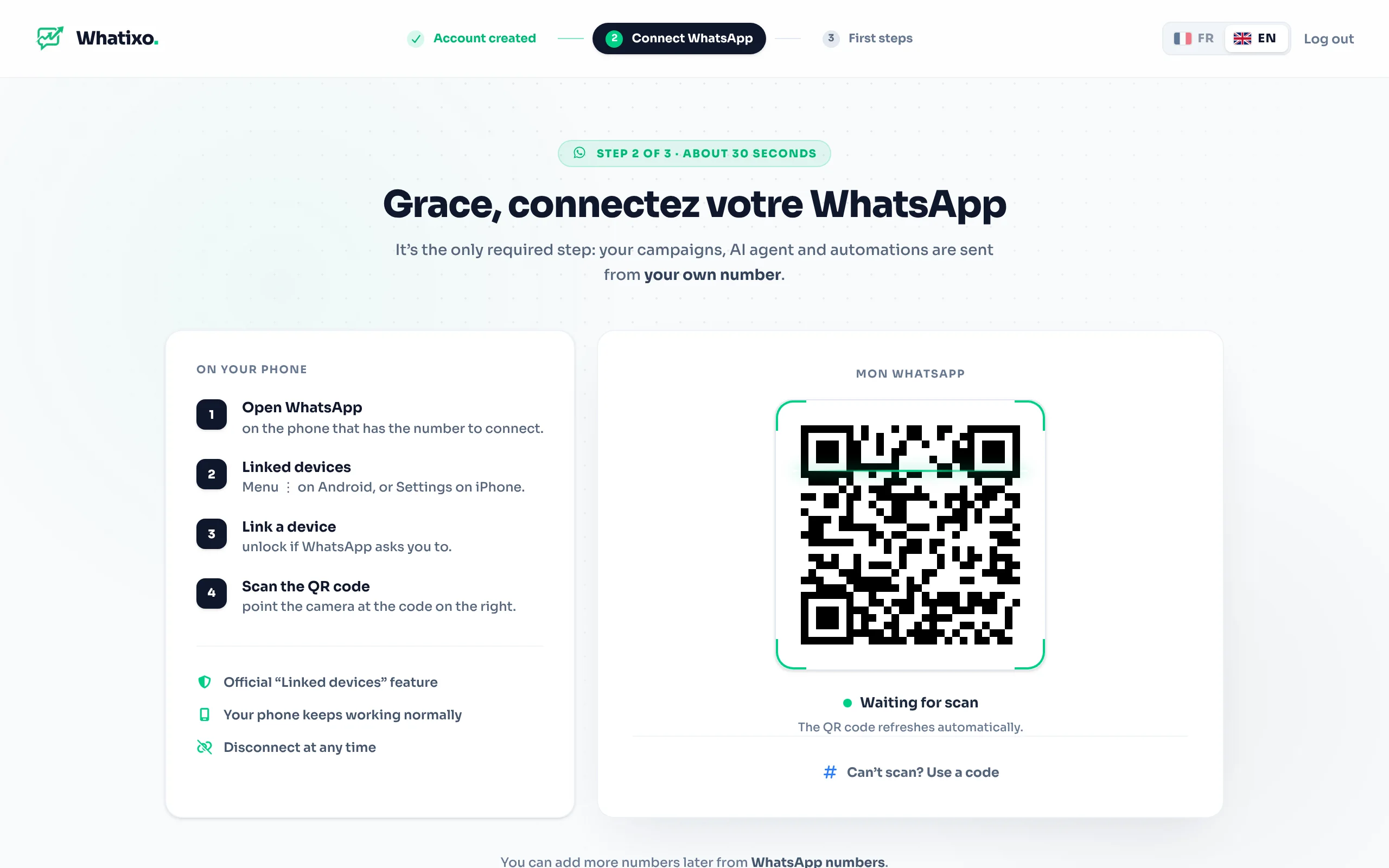
Can’t scan? (single phone, broken camera…) Choose the 8-digit code: enter your number with the country code (e.g. 243812345678), then type the code you receive in WhatsApp → Linked devices → Link with phone number instead.
3. What’s next?
Here is the order we recommend for your first sales:
- Import your contacts (CSV file or your WhatsApp group members), with a tag such as
customer. - Set up the AI agent to answer questions while you’re busy.
- Send a campaign to your existing customers.
- Install the Chrome extension if you often work on WhatsApp Web.
Best practices to keep your number healthy
- Message people who know you first (customers, leads who contacted you).
- Personalize your messages with the first name, and vary the wording.
- Let Whatixo space out sends: don’t push thousands of messages at once from a brand-new number.
- Keep your phone charged and online from time to time: WhatsApp unlinks devices after the phone has been offline for a long time.
Whatixo uses WhatsApp’s “linked device” connection. Follow WhatsApp’s rules: no spam, no messages to purchased numbers. A number reported by many recipients may be restricted by WhatsApp.