
Docs / Account
Account settings
Menu Configuration → Settings. Four tabs: Profile, Subscription, Integrations & API and Security.
Profile
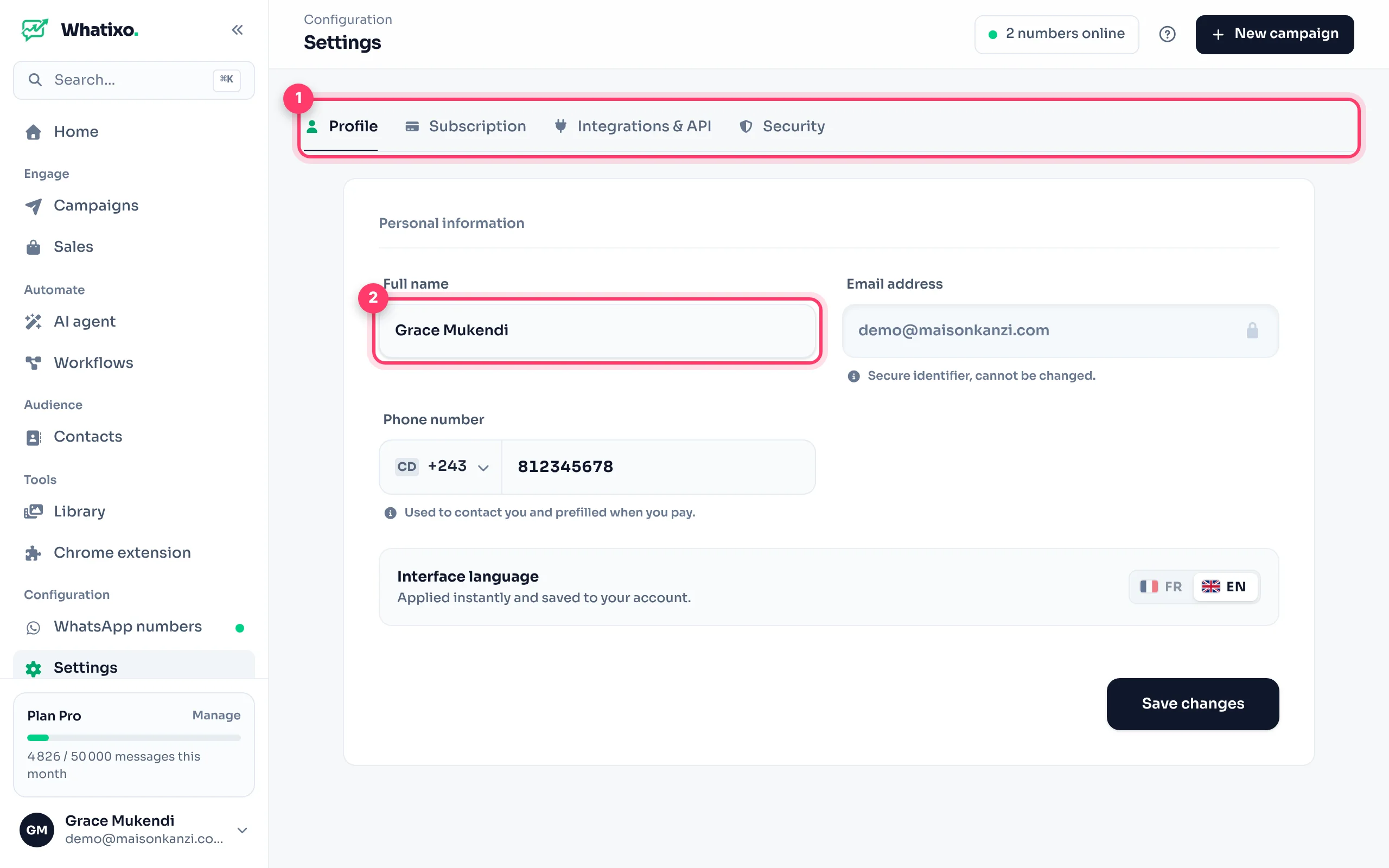
- Full name and phone number (with country), used for your invoices and to reach you.
- Interface language: French or English, applied immediately and saved to your account.
- Your email address is your sign-in ID. To change it, contact support.
Subscription
Your current plan, this month’s usage and plan changes. Everything is detailed in Plan and billing.
Integrations & API
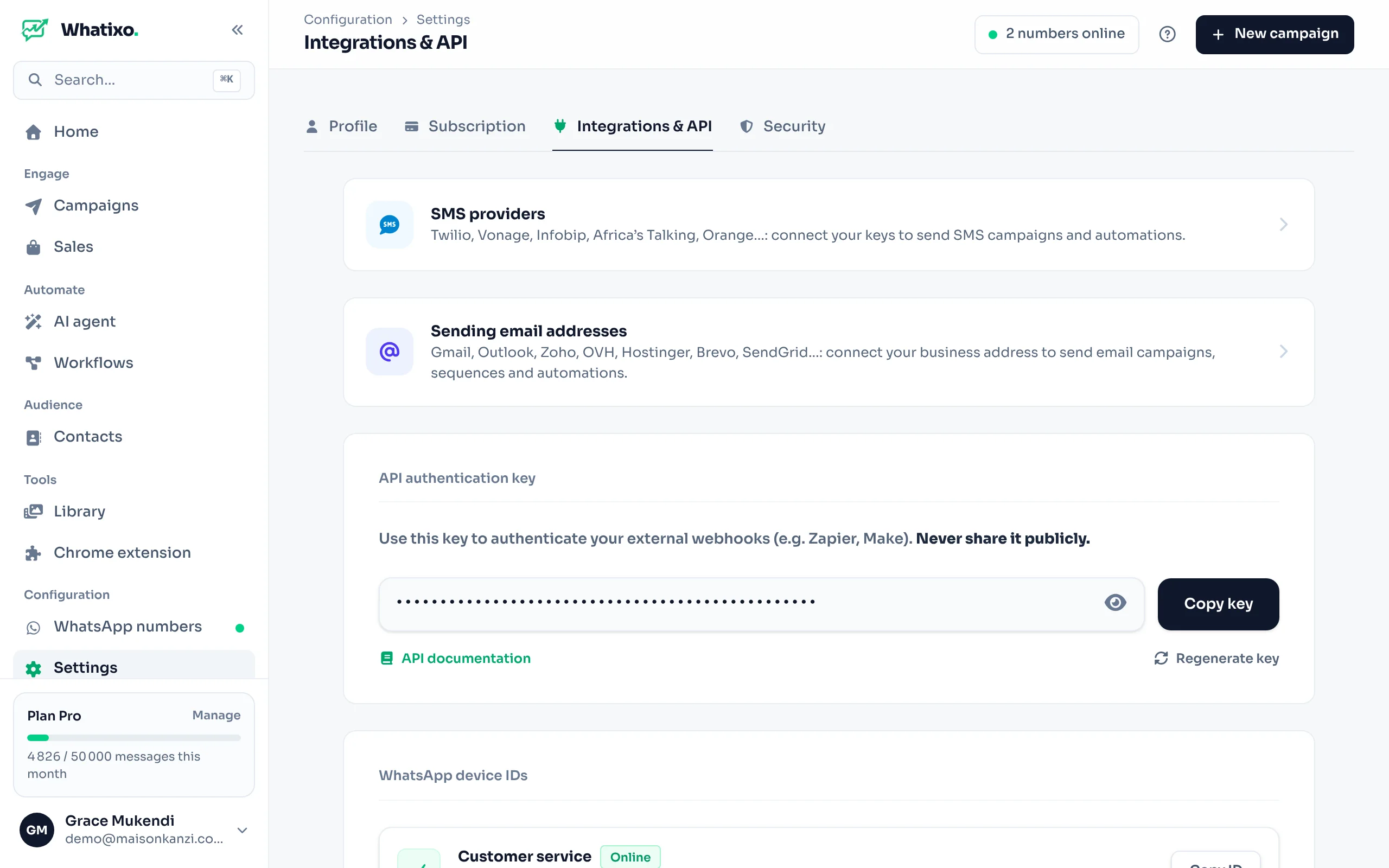
- API authentication key: Show key, Copy key. It lets your tools (your website, Zapier, Make, n8n) use the Whatixo API. Never share it publicly.
- Regenerate key creates a new key and disables the old one immediately: do it if it leaked (remember to update your integrations).
- WhatsApp device IDs: each number’s
deviceId, to use in your API calls. Copy ID button. - Shortcuts to your SMS providers and sending addresses.
Security
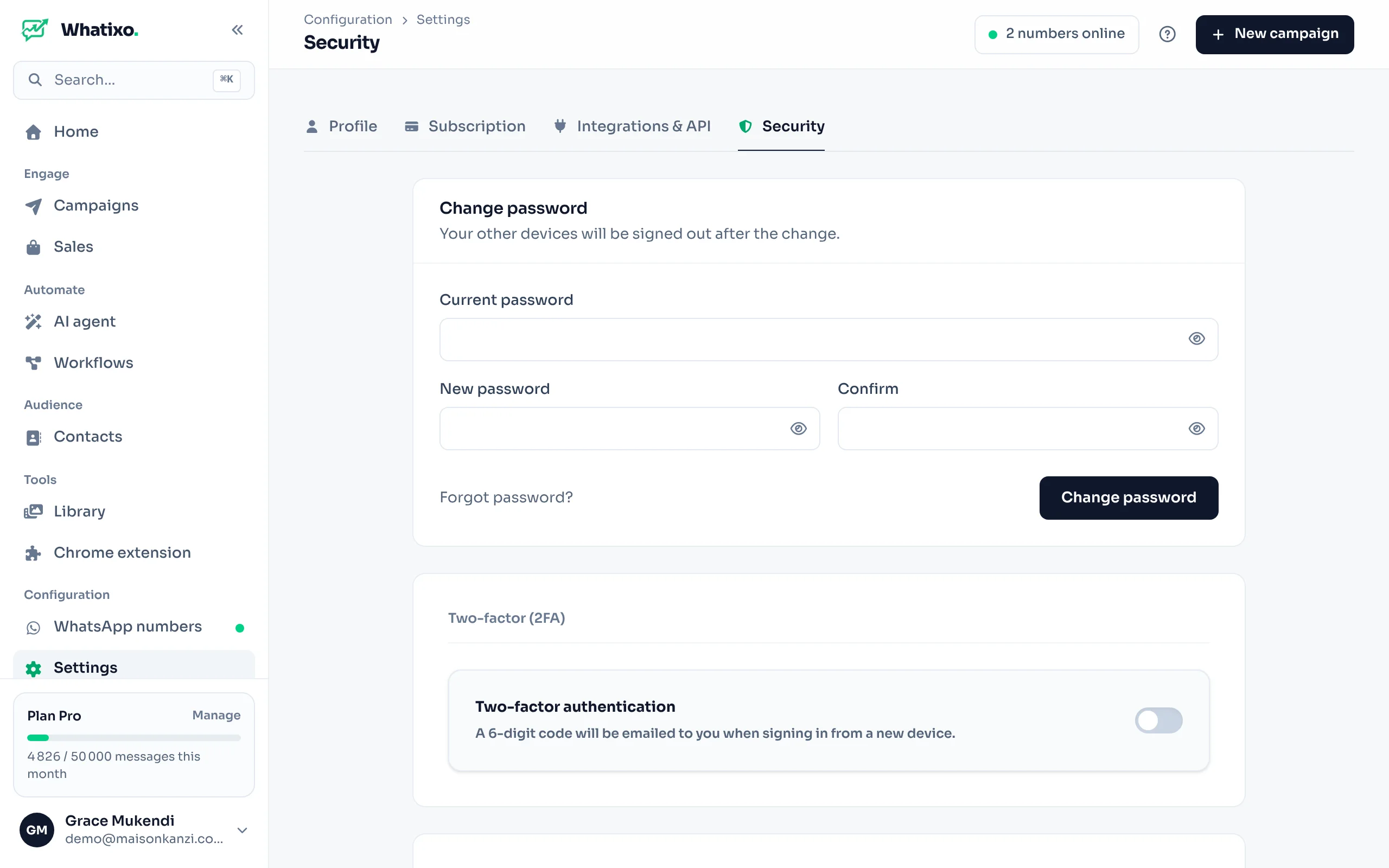
- Change password: the current one, then the new one twice. All your other sessions are signed out for safety.
- Two-factor authentication (2FA): a code sent by email is required on every sign-in from a new device.
- Signed-in devices: browsers and phones signed in to your account, with Revoke to sign one out.
Browsers where the Chrome extension is signed in are managed from Tools → Chrome extension.
Questions? Message us from the app (Help & support) or at support@whatixo.com.Updated: November 2026