
Product catalog
The catalog holds the items and services your AI agent can present and sell on WhatsApp: it knows their prices, photos, stock and your selling points. Menu Engage → Sales → Catalog.
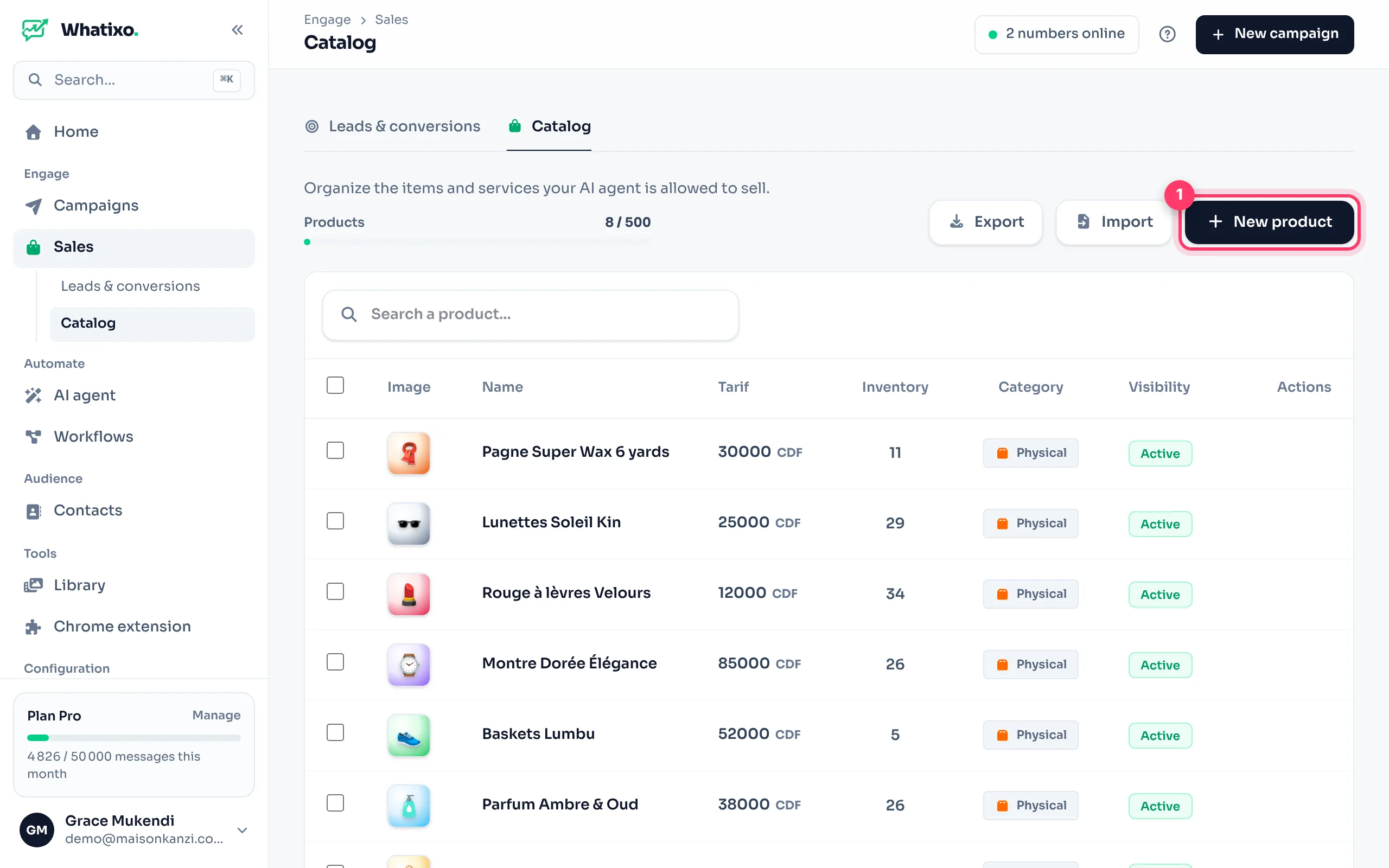
Add a product
Item details
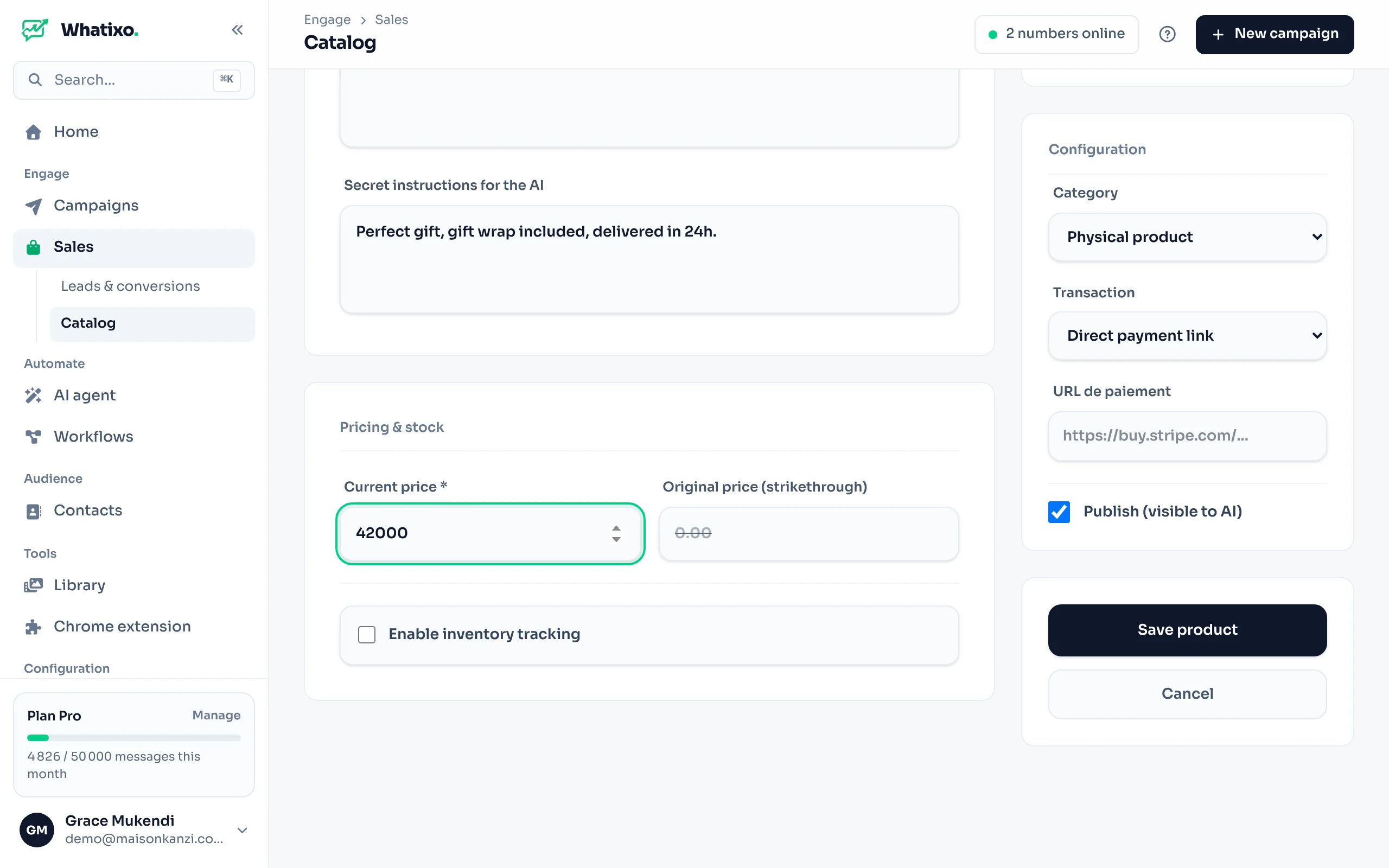
Click New product. Enter the name, the public description (what the customer reads) and the secret notes for the AI: your selling points (“mention the gift wrap”, “stress the fabric quality”). The customer never sees them.
Image
Upload an image: a sharp photo on a light background. The agent can send it to the customer.
Pricing and stock
The current price and, if you run a promotion, the original (struck-through) price. Turn on inventory tracking to set the stock quantity: the agent won’t offer a sold-out item.
Configuration
The category (physical product, digital product with its access link, or service) and the transaction: cash on delivery or direct payment link (an https:// address of your payment page). Tick Publish so the AI can offer it.
Import and export
- Import: add your whole catalog from a CSV file.
- Export: download your catalog to edit it in Excel or archive it.
In the agent’s advanced settings, choose Full catalog or only some products (by tag), for example one agent per product line. Already selling on Shopify or Chariow? The agent can also query your connected store.
Orders taken by the agent land in Leads & conversions.