
Docs / Sell and automate
Leads & conversions
Every time the AI agent collects an order, an appointment or a qualified request, it lands here with the customer’s details. Menu Engage → Sales → Leads & conversions.
Reading your conversions
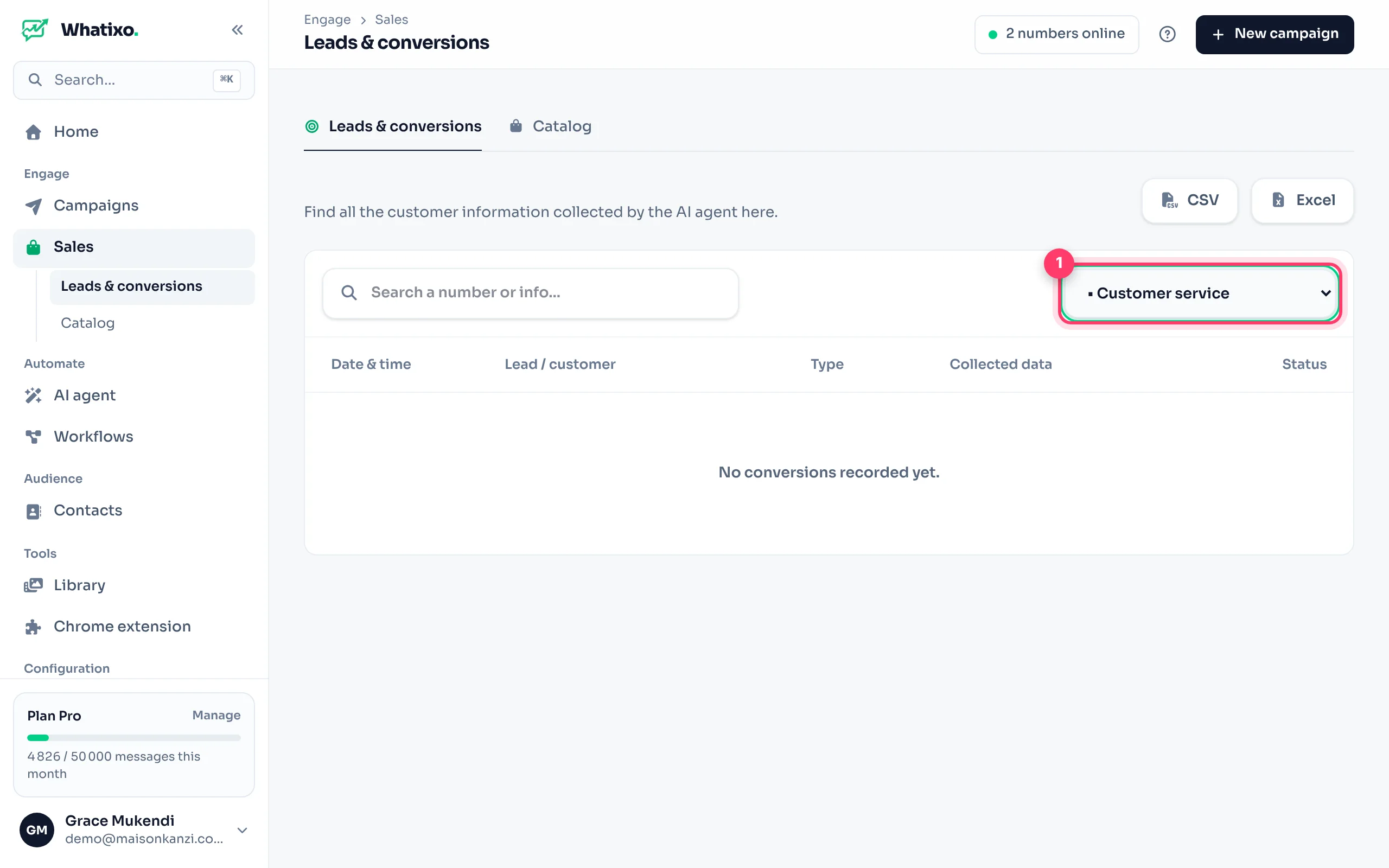
- Choose the WhatsApp number: conversions are grouped by number (one agent per number).
- Each row shows the lead or customer, the type (order, appointment, lead), the collected data (item, size, address, preferred date…), the status and the date.
- Search for a number or a detail with the search bar.
- Export the list as CSV or Excel for your delivery or accounting team.
Collecting the right information
What the agent collects depends on its goal directive (in the agent’s advanced settings). Be precise:
Example directivesTEXT
Order: collect the name, item, size, delivery address and number.
Appointment: collect the name, service, preferred date and time.
B2B lead: collect the name, company, need and budget.
Send each new conversion to your tool (Google Sheets, CRM, delivery software) with the agent’s conversion webhook, or follow up automatically with a follow-up sequence.
Questions? Message us from the app (Help & support) or at support@whatixo.com.Updated: November 2026