
Docs / Audience and tools
Library: media and templates
Menu Tools → Library. Two tabs: your media (images, videos, PDFs reusable everywhere) and templates (ready-made models to get started in one click).
Media
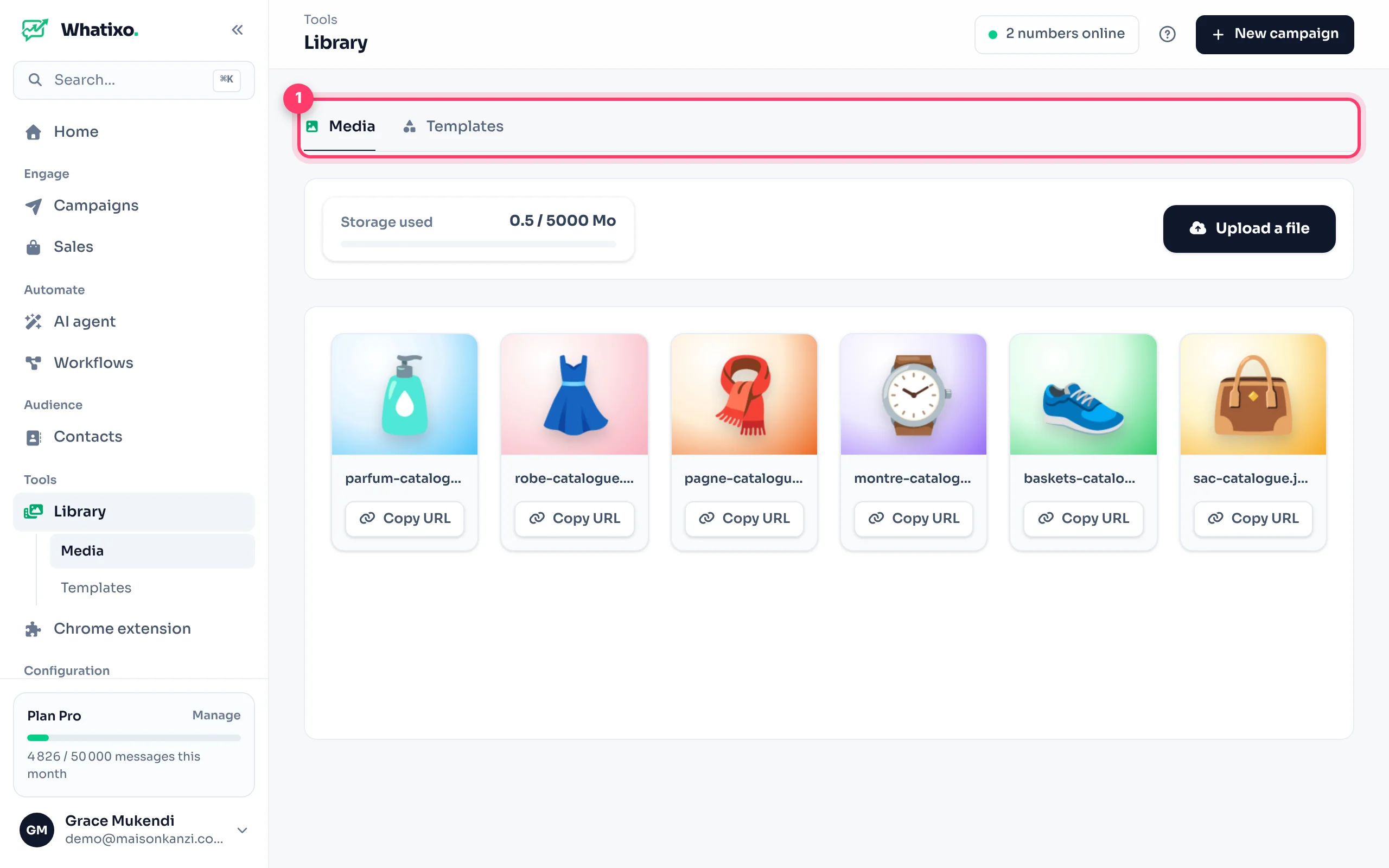
- Add a file: up to 50 MB per file. The gauge shows your plan’s remaining storage.
- Copy URL: the file’s address, to paste into a workflow (media field), an email or a message.
- Files attached to your campaigns, sequences and products are stored here automatically.
Templates
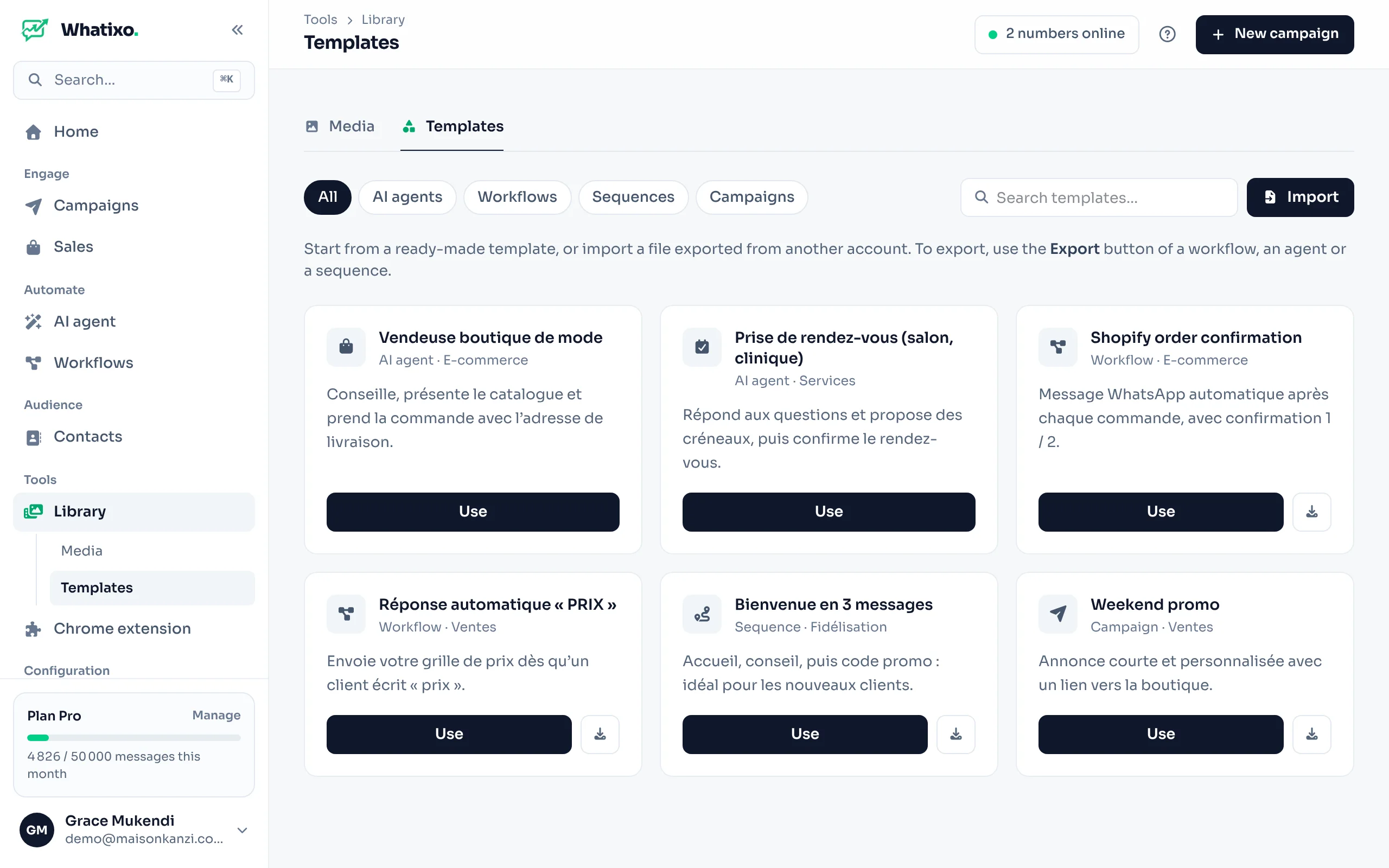
Filter by type: AI agents, Workflows, Sequences, Campaigns. The Use button opens the template in the right editor, already filled in: just adapt it (number, texts) and save.
- Download saves a template as a
.jsonfile. - Import loads a template file (yours or a colleague’s).
- Your agents, workflows, sequences and campaigns can also be exported from their own page. Sensitive data (keys, numbers) is never included.
Questions? Message us from the app (Help & support) or at support@whatixo.com.Updated: November 2026